Less scrolling.
More cooking.

That recipe you saved? Let’s actually make it.
Your favorite finds, meal plans, and groceries.
All in one happy little place.

Download on the App StoreGet it on Google Play
✓ Your recipes. Your kitchen. A little less chaos.
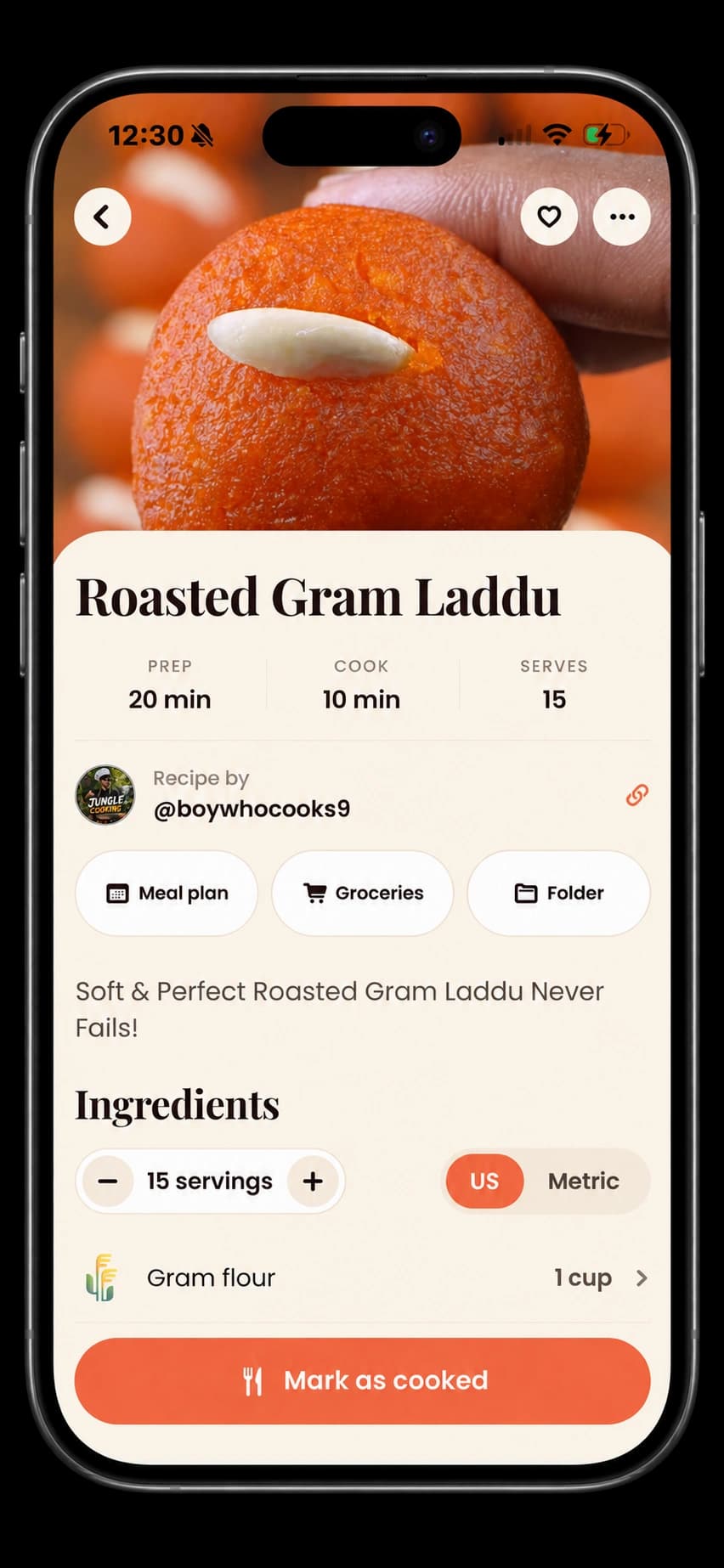
Bunpy recipe-detail screenshot in an iPhone frame, showing Roasted Gram Laddu
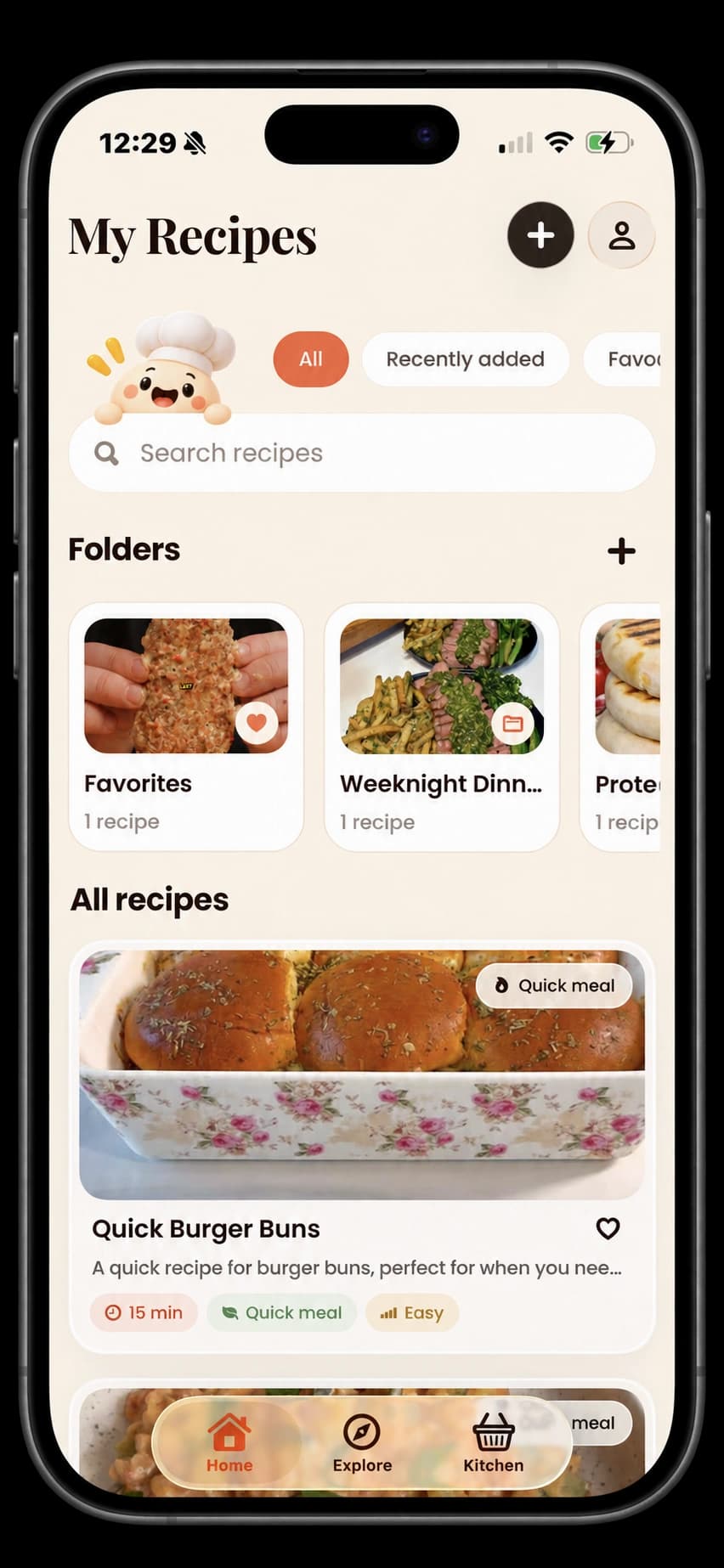
Bunpy’s My Recipes screen with folders, search, and saved recipe cards in an iPhone frame
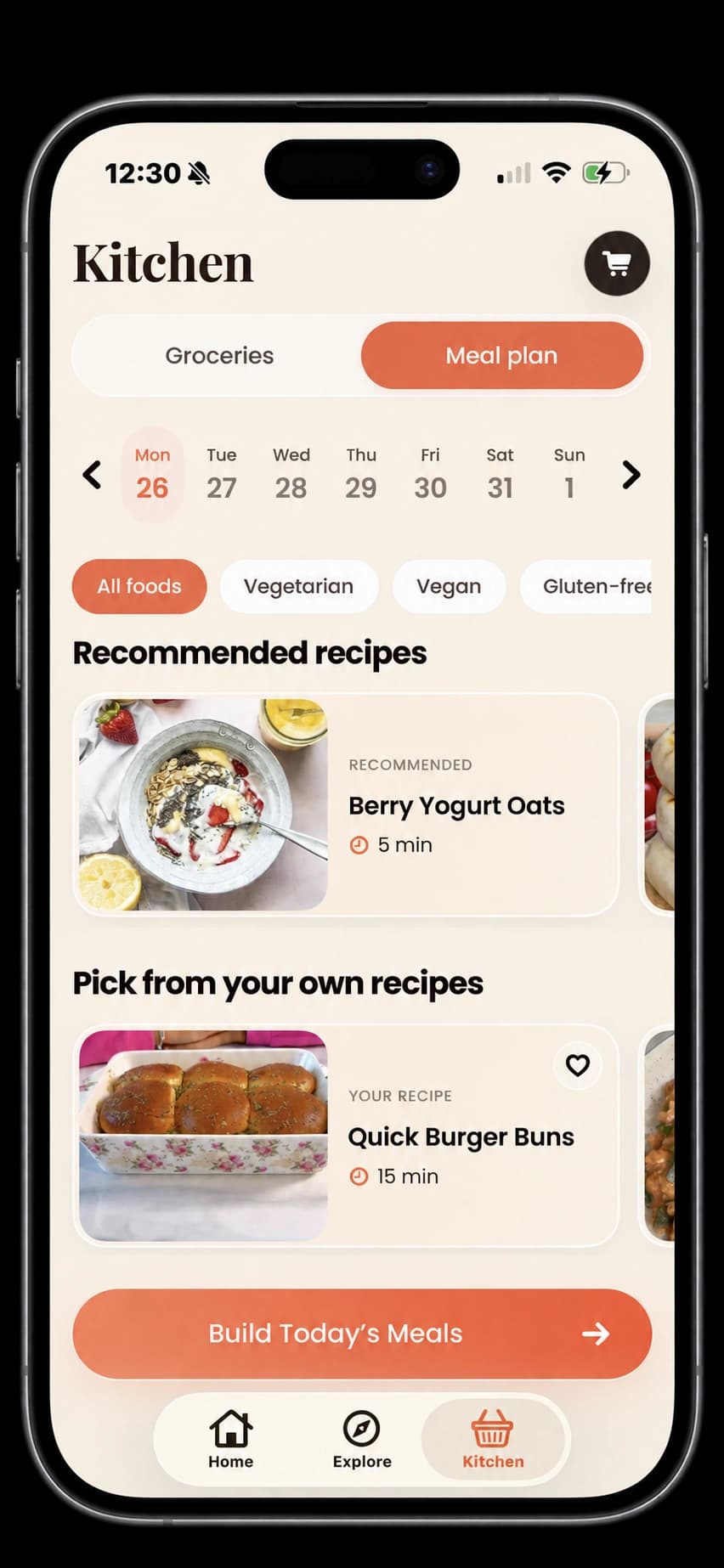
Bunpy’s weekly meal-planning screen

GOOD RECIPES COME FROM EVERYWHERE.

TikTokInstagramYouTubePinterestFacebookRecipe websites
A LITTLE ORDER. A LOT OF JOY.

A home for every
“I should make that.”

Bunpy’s recipe view showing a food photo, adjustable servings, and ingredient amounts
SAVE IT. MAKE IT.

Your next favorite meal.
Ready when you are.

Give your recipe finds a home. Bring supported posts, websites, and recipe photos into a cookbook you can actually cook from.

  • Ingredients and instructions, together.
  • Adjust servings to fit your table.
  • Keep a link to the original inspiration.
Meet your new cooking buddy
Bunpy’s meal planner with a weekly calendar and meal options
FROM A GOOD IDEA TO A GOOD DINNER

A little plan.
A lot less fuss.

Give the recipes you want to try a spot in your week. Bring ingredients into your grocery list and make room for more of the meals you love.

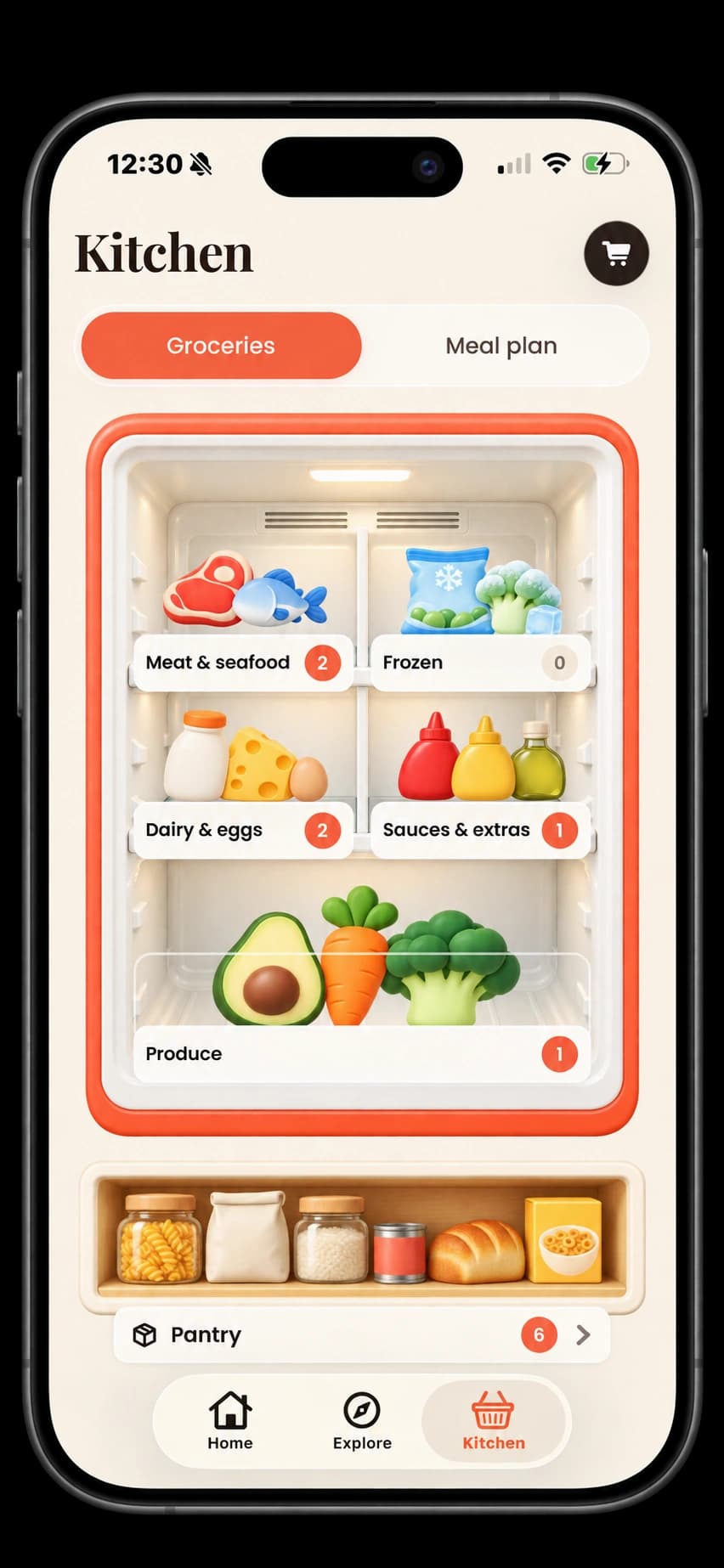
Start with what’s already in your kitchen, or find something new to look forward to.

Find your cooking rhythm
LESS “WHERE DID I SAVE THAT?”

More little
kitchen victories.

The first pancake. The new weeknight favorite. The recipe you finally tried. Bunpy helps you make room for all of them.

Find your cooking rhythm
Bunpy’s illustrated fridge and pantry with groceries organized by category, inside an iPhone frame
THE KITCHEN JOURNAL

A little food
for thought.

From the journal
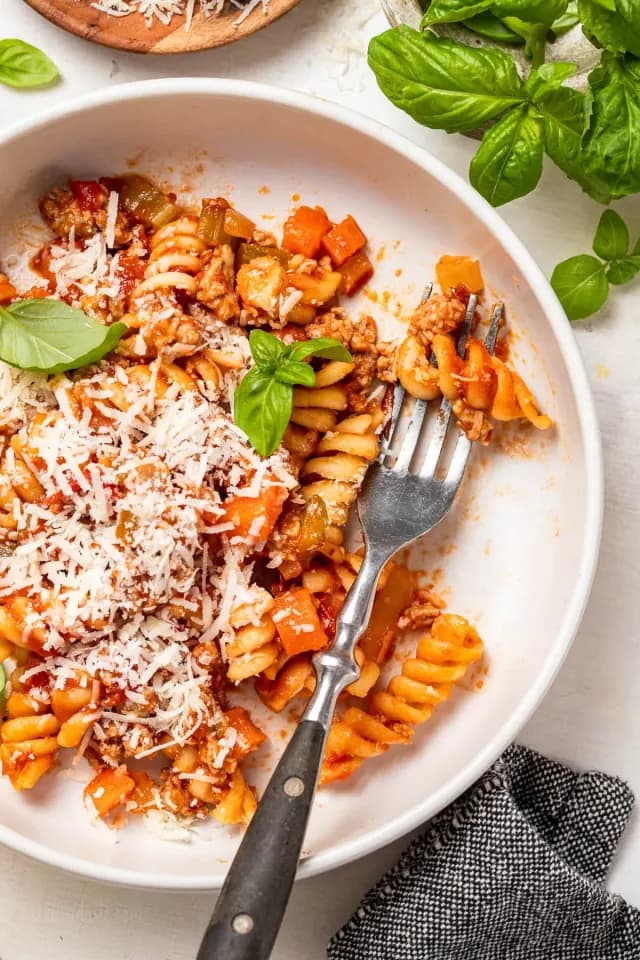
Tomato pasta ready to bring a saved recipe to life
Recipe keeping · 4 min read

Your saved recipes deserve better than a forgotten folder.

A simple way to turn Instagram and TikTok recipe inspiration into a cookbook you actually use.

A bowl of chickpea curry for a simple weekly dinner
Everyday cooking · 4 min read

A meal plan for people who don’t love meal planning.

Start with a few dinners, leave room for life, and make the weekly food question a little easier.

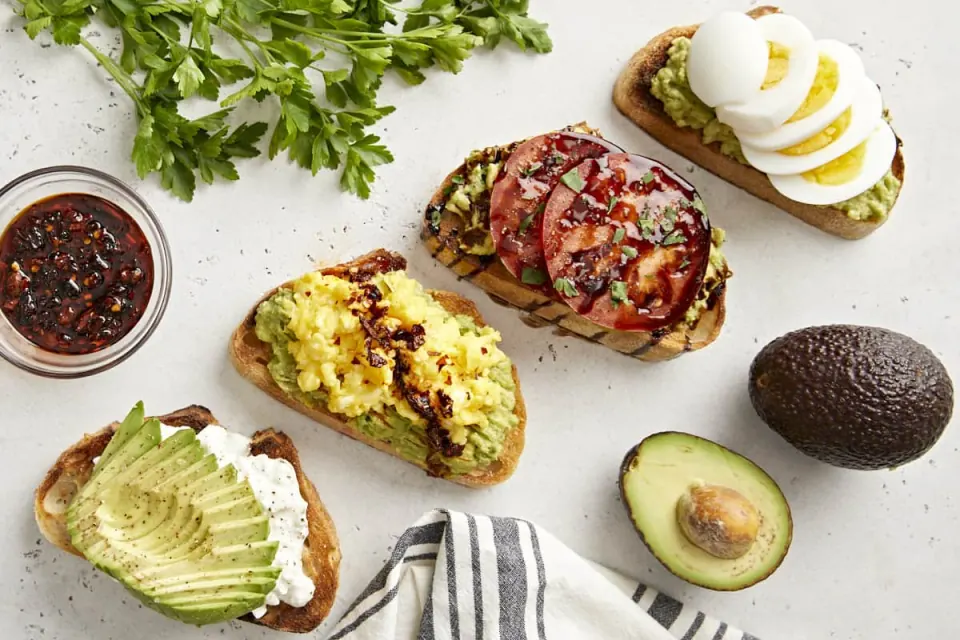
Avocado toast and eggs made with everyday ingredients
Kitchen organization · 4 min read

From “what’s for dinner?” to one good grocery list.

Connect your recipes, your kitchen, and your next shop with a few small habits.

A FEW THINGS YOU MIGHT BE WONDERING

Good questions.
Simple answers.

Need a hand with something else?
Say hello

What is Bunpy?

Bunpy is your home for the recipes you want to cook. Save recipes from supported social posts, videos, websites, and photos, organize them in your cookbook, plan meals, and keep a grocery list.

Where can I import recipes from?

Bunpy supports recipe links from TikTok, Instagram, YouTube, Pinterest, Facebook, and recipe websites. You can also scan a cookbook or handwritten recipe with your camera or a photo. Availability depends on the source; private, removed, or restricted posts may not import.

Is Bunpy free?

Bunpy includes a free plan with save limits and optional Pro features. The app shows current limits, available plans, any trial, and local pricing before you subscribe.

Can I plan meals and make a grocery list?

Yes. Add recipes to your meal plan and bring ingredients into your grocery list. You can also keep track of what you already have in your kitchen.

Are nutrition and ingredient costs exact?

No. AI-generated quantities, nutrition, allergen flags, and local ingredient costs can be incomplete or inaccurate. Check ingredients, labels, and food-safety information yourself. Nutrition is a Pro feature, and cost estimates are not live store prices.

How do I cancel a subscription or delete my account?

Manage or cancel your subscription in your Apple or Google store settings. To delete your Bunpy account, open Profile → Settings → Delete account. Deleting your account does not cancel your subscription. Our support and account-deletion pages explain both.